

Start with how customers reach you
Storefront, service-area or hybrid?
Show a physical address on your Google Business Profile only if customers come to that address during your posted hours. If you travel to customers, hide the address and list service areas. If you do both, show the address and add service areas too. Those are the three setups Google recognizes:
- Storefront. Customers come to you. A tile showroom, an equipment rental counter, an auto repair shop.
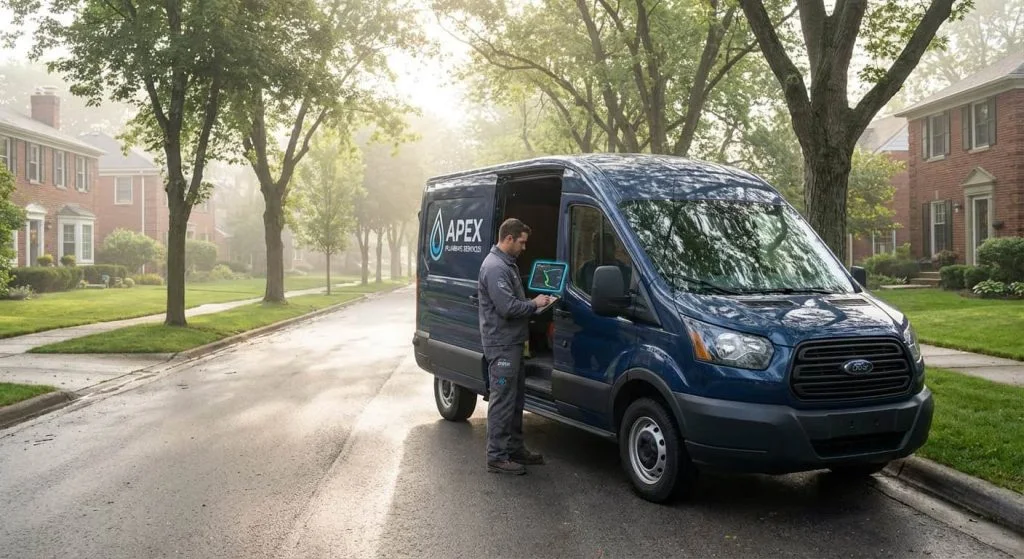
- Service-area business. You go to customers and they never visit your address. Most plumbers, roofers, electricians, cleaners and landscapers.
- Hybrid. Both. A pool supply store with a service crew, or a garden center that also installs landscapes.
Pick the setup that matches how the business runs today, not the one you think will rank better. Google’s service-area guidance spells out each one, and showing an address customers can’t visit is one of the most common reasons profiles get suspended.
The address rules
When to show your address, and how to hide it.
If customers don’t come to your address, Google says to remove it from the public profile. To do that, open Edit profile, go to the location section and remove the business address from public view. Your service areas then appear in its place. Location changes can prompt Google to verify the business again, so make the change once, correctly.
To show an address as a storefront or hybrid, the location needs permanent signage and staff who can receive customers during the hours you list. A home office doesn’t become a storefront because a customer stops by now and then.
Some addresses never qualify. Check Google’s business representation guidelines before you use any of these:
- P.O. boxes and mailbox stores.
- Virtual offices you pay for but don’t work from.
- Coworking desks without your own signage and staff.
- An address in a bigger nearby city, picked to look closer to its customers.
If you work from home and travel to customers, that is a normal service-area business. Use the home address for verification and keep it hidden. Our guide to verifying without a storefront covers the steps.
Pick the places you serve
How to choose your service areas.
Google allows up to 20 service areas, set as cities, postal codes or other areas it supports. There is no radius option. Google’s general guidance says the whole area should sit within about two hours’ drive of your base, while its representation guidelines allow that some businesses serve larger areas. Check the guidance for your situation.
To build the list:
- Pull your last year of jobs and sort them by city or postal code.
- Start with your home city and the towns where most of your work comes from.
- Add the towns you want more work in, as long as you serve them today.
- Leave out towns you only reach a few times a year at a premium.
You don’t have to use all 20. A tight list that matches where your trucks go is better for customers than a long one that promises service you’d rather not drive to. Review the list whenever you add a crew, open a second location or stop serving a town.
The visibility question
Do service areas make you rank in those towns?
Not on their own. Service areas tell customers where you work. Google’s local ranking guidance still weighs relevance, distance and prominence, and distance is measured from where your business is. A roofer based in one suburb will usually show up more often in the map results there than in a city forty minutes away, even with that city on the list.
That’s why so many businesses are tempted to fake an address in a bigger market, and why it backfires. Here is what works for reaching towns farther from your base:
- A page on your website for each key town, with real jobs, photos and details about serving it, so you can rank in the organic results below the map.
- Reviews from customers in those towns, earned by asking every customer, wherever they live.
- Local links and mentions, from suppliers, associations and community groups in those areas.
- Paid search, through Google Ads or Local Services Ads , targeted at the towns you want more work in.
Make the website say the same thing
Match your website to your service areas.
Your website should tell the same story as your profile. Add a service area page listing every town you serve, and give your most important towns their own pages. Each one should say which services you offer there, show real projects from that town and tell customers how to book. A page that swaps one city name for another teaches Google nothing and reads as filler to customers.
If your profile hides your address, your website shouldn’t present your house as a showroom. Show your city or region, your phone number and your service area. If you list a street address for licensing reasons, make it clear customers aren’t expected to visit.
When the business changes, update both at once. Add a town to the profile, then publish its page. Drop a town, then update the page. Our multi-location SEO guide covers what to do when you open a second real location. Lithium builds town pages and manages Business Profiles as part of its SEO service .