

The short version
Five stages, in this order.
A website redesign checklist has five stages: audit what the old site does, plan the new pages and redirects, build the content and contact options, test everything before launch, and watch the numbers after. Skip the first two and you risk the classic redesign disaster: a beautiful new site, and a phone that rings less than it did with the ugly old one.
That happens for a boring reason. Google ranks individual pages. When a redesign deletes or renames the pages that ranked, without telling Google where they went, those rankings go with them. The fix is equally boring and it works: keep a list of every old URL and send each one to its new home.
- 1Stage 1
Audit
Find out what the old site already does for you.
- 2Stage 2
Plan
Map pages, redirects and content.
- 3Stage 3
Build
Write, design and wire up tracking.
- 4Stages 4 and 5
Test and launch
Check every page, form and link, then go live and watch.
Stage 1: audit
Find out what the old site already does for you.
Export the full list of URLs on the current site. Then open Google Search Console and pull the pages that get clicks and the searches they rank for. Those pages are the ones you cannot afford to lose. Check your call tracking and form records too: which pages produce calls and quote requests?
Next, gather every login before anyone starts designing. Domain registrar, hosting, the website admin, Google Business Profile, Google Analytics, Search Console, Google Ads, call tracking and any booking or CRM software connected to forms. A surprising number of redesigns stall for two weeks because nobody knows who registered the domain.
Keep
- Pages that get clicks or calls
- Pages other sites link to
- Pages customers and staff share
Redirect
- Pages you are merging
- Pages with a new URL
- Old blog or promo pages
Collect
- Domain and hosting logins
- Google account access
- Tracking and booking tools
Stage 2: plan
Map every page and every redirect before design starts.
Write the new sitemap: a page for every service you want more of, a page for each area you serve, a projects or gallery section, about, contact and the blog. Then build the redirect map, a simple spreadsheet with the old URL in one column and the new URL in the other. Every old page that ranks or gets traffic either keeps its URL or points to the closest new page. Do not dump everything on the homepage.
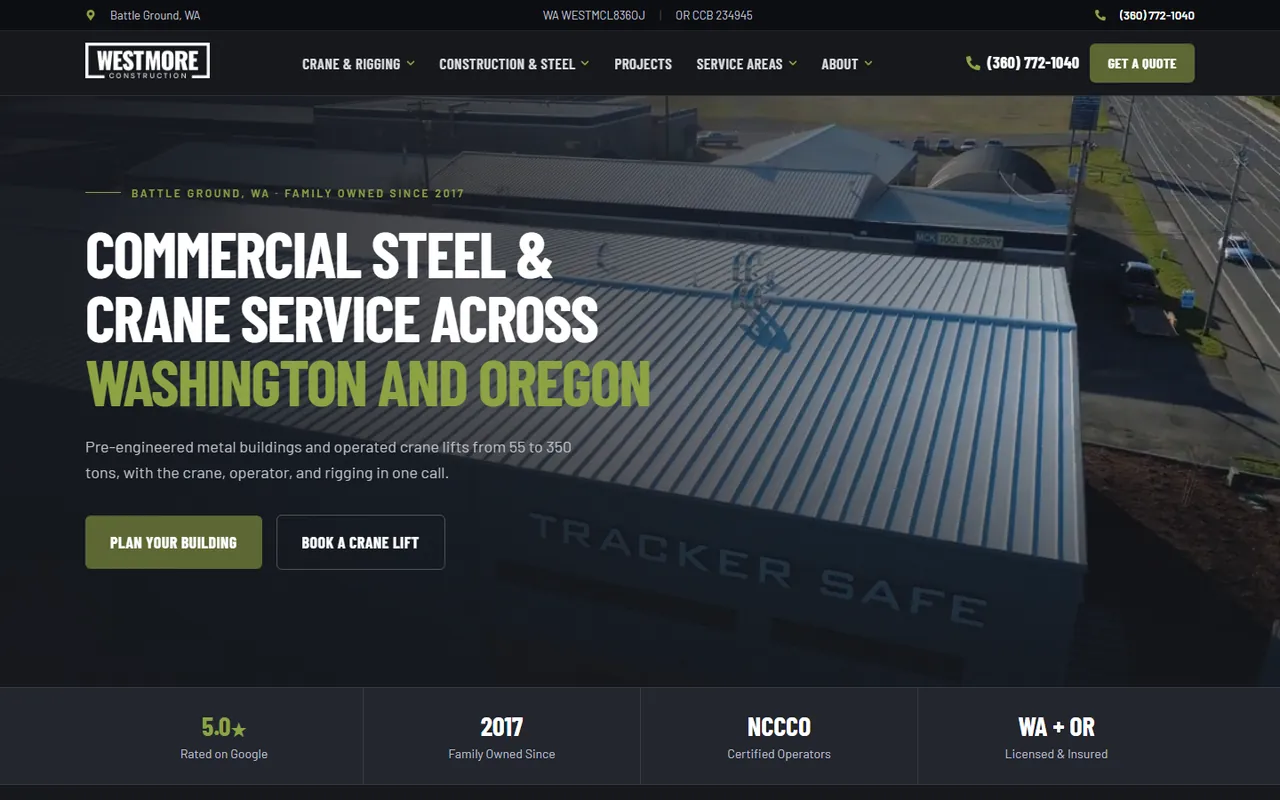
This is the step that protects your search traffic, and every redesign we run includes it. Westmore Construction’s rebuild went from 15 pages to 85 and cleaned up 175 redirects. Porter Paving’s redirected 163 old URLs. Lovett merged two websites into one with 52 old pages redirected one to one. Mt Hood Insurance mapped all 127 old URLs to new pages, and Gloudeman Electric kept all 58 blog posts at their original addresses.
Plan the content at the same time. Decide which pages get rewritten, which get merged and who supplies photos of real jobs. See those projects in the portfolio
Stage 3: build
Build the pages, then wire up every way to reach you.
List every phone link, form, booking button and text option on the current site, and decide where each one should land on the new site. Your business name, address and phone number should match your Google Business Profile exactly. If you use call tracking numbers, confirm which number goes where before launch.
Build for phones first. Plenty of service customers find you on a phone, so the tap-to-call button and the quote form must work with a thumb. Lithium builds to Google’s Core Web Vitals targets: main content in under 2.5 seconds, a response to a tap in under 200 milliseconds and no layout jumping as the page loads. Each build also includes schema markup, GA4 and call tracking.
- Name, address and phone match your Google Business Profile
- Tap-to-call in the header on every page
- Each form sends to an inbox someone checks
- GA4, call tracking and Search Console connected
- Real photos of your crew and jobs
Stage 4: test
Test it like a customer before it goes live.
Open the staging site on your own phone. Find a service page, tap the phone number, fill out the form and confirm the right person receives it. Do the same on a laptop. If you handle emergencies differently from planned work, test both. Then hand the phone to someone in your office who has never seen the new site and watch where they get stuck.
Check the redirects with the spreadsheet: paste a sample of old URLs into a browser and confirm each lands on the right new page. Read every page once for wrong phone numbers, old prices, discontinued services and towns you no longer cover.
Forms and phone links
Every form submits, the thank-you message shows and the email arrives. Every phone link dials the right number.
Redirects
A sample of old URLs, especially the top pages in Search Console, lands on the right new pages.
Speed and mobile
Pages load fast on a phone over cellular, and nothing is cut off or too small to tap.
Copy and facts
Services, prices, service area, license numbers and hours are all current.
Stage 5: launch and watch
Launch day and the weeks after.
On launch day, point the domain to the new site, turn on the redirects and submit the new XML sitemap in Search Console. Make sure the old site is backed up and can be restored if something goes wrong. Then repeat the phone and form tests on the live site. Hosting changes can break email delivery for forms, so send yourself a test the same hour.
For the next few weeks, check Search Console for pages Google cannot find and fix them with new redirects. Compare calls and form leads with the same weeks before launch. Update links you control elsewhere, such as your Google Business Profile, directory listings and social profiles, so they point straight at the new pages.
Launch day
- Redirects live
- Sitemap submitted
- Live form and phone test
First weeks
- Fix not-found pages
- Watch calls and forms
- Update profile links
Safety net
- Old site backed up
- Every login recorded
- One person owns updates
Cost and ownership
What a redesign with Lithium costs.
A Lithium website redesign is typically $5,000 and runs six to nine weeks from kickoff to launch, with the audit, redirect map and tracking included. Larger sites with many pages or integrations get a fixed proposal after a 30-minute discovery call. You own the domain, the hosting account, the WordPress install and the content, and you get a private Loom walkthrough at handover.
Optional hosting and maintenance is $99 a month. It covers secure hosting, daily backups, software and security updates and basic changes, so the new site stays fast and current. Read the website redesign service page for the full scope, or the website cost guide for budgeting.
