AI Automation for
Riverside Service Businesses
Riverside anchors the Inland Empire, logistics, warehousing, citrus history, UCR, and a huge base of bilingual small businesses spread across one of California’s fastest-growing metros. In that kind of service-area market, the costliest problem is often not demand. It is the lag between interest and response. As an AI automation agency, Lithium builds a trained response layer that can capture details, book next steps, and pass clean records to the people who need them.
Call Automation
24/7 AI Receptionist for Riverside Teams
A well-trained AI receptionist gives Riverside callers a useful first response without making your staff chase every ring. It can collect contact details, understand intent, route urgent work, and keep appointments or callbacks from falling through the cracks. That record can include caller intent, contact details, preferred timing, and the reason the lead should or should not be escalated.
Fully Managed AI Receptionist
vs. $3,500+/mo for a human receptionist
No contracts. Cancel anytime.
AI Automation Services
AI Consulting & Automation
Built for Riverside Operations
Riverside workflows are rarely broken in one dramatic place. The pressure usually shows up as after-hours inquiries, unclear routing, quote follow-up, and intake details trapped in notes. Our AI consulting maps those friction points first, then builds workflow automation, website chat, CRM automation, and reporting that fit the tools your team already uses. For Riverside, the useful question is not whether AI sounds impressive. It is whether the automation removes a specific delay your staff already feels every week.
Real Projects We've Built
Common Use Cases
How Riverside Businesses Use AI Automation
Riverside use cases usually start where speed, routing, and clear records matter. From Downtown and the Mission Inn area to Canyon Crest, Tyler, and out toward Moreno Valley, the pattern is the same: capture the question, qualify the need, and give the team a next step they can trust. Each use case below is meant to protect response time without hiding the human judgment that still belongs to the team.
AI Receptionist
Capture late calls from homeowners, patients, or B2B buyers while your staff is offline. The AI receptionist asks intake questions, records the need, and sends the lead to the right inbox or phone. The workflow can be adjusted around business hours, service categories, and staff availability.
Appointment Booking
Let callers book from available slots instead of waiting for a callback. This appointment workflow automation helps clinics, consultants, trades, and service crews protect busy calendars without adding more back-and-forth. Your team can review the transcript or summary before deciding how to respond.
Lead Qualification
Ask the questions your team needs answered first. Budget, timing, location, service fit, and urgency can be captured before a person spends time chasing the lead. This is especially useful when the same question arrives through phone, form, and chat.
CRM Follow-Up
Build a follow-up rhythm for quotes, consultations, and repeat service. Your team gets fewer forgotten threads and more chances to recover work that would have gone quiet. This is especially useful when the same question arrives through phone, form, and chat.
Document Processing
Turn intake forms, invoices, work orders, and service notes into usable records. Business process automation can pull key details and pass them into the CRM, spreadsheet, or project tool your team trusts. This is especially useful when the same question arrives through phone, form, and chat.
Review Requests
Ask for reviews while the experience is still fresh. AI can time the message, personalize the request, and route unhappy feedback back to the business first. Your team can review the transcript or summary before deciding how to respond.
Skeptical? Good.
Call Our Live AI Phone Demo
This is the same kind of AI receptionist we can configure for Riverside businesses. Call it with a real question about services, booking, or availability. You will hear how it handles intent, keeps the conversation moving, and captures the details without a sales pitch. Pay attention to the handoff, because that is where most business value shows up.
How It Works
How We Build AI Automation for Riverside Workflows
Discovery & Strategy
We start with AI consulting, not tool shopping. We review call flow, lead sources, intake forms, calendars, and the moments where Riverside opportunities slow down or go unanswered. Each decision is tied back to how the team will use the system after launch.
Custom Build & Integration
We build the phone, chat, or workflow automation around your actual rules, then connect calendars, CRM fields, forms, and notifications. That gives the build a narrow, testable purpose from the start.
Launch, Optimize & Support
After launch, we review calls, messages, bookings, and edge cases so the AI gets sharper as real customers use it. Each decision is tied back to how the team will use the system after launch.
AI Automation
Riverside AI Automation FAQ
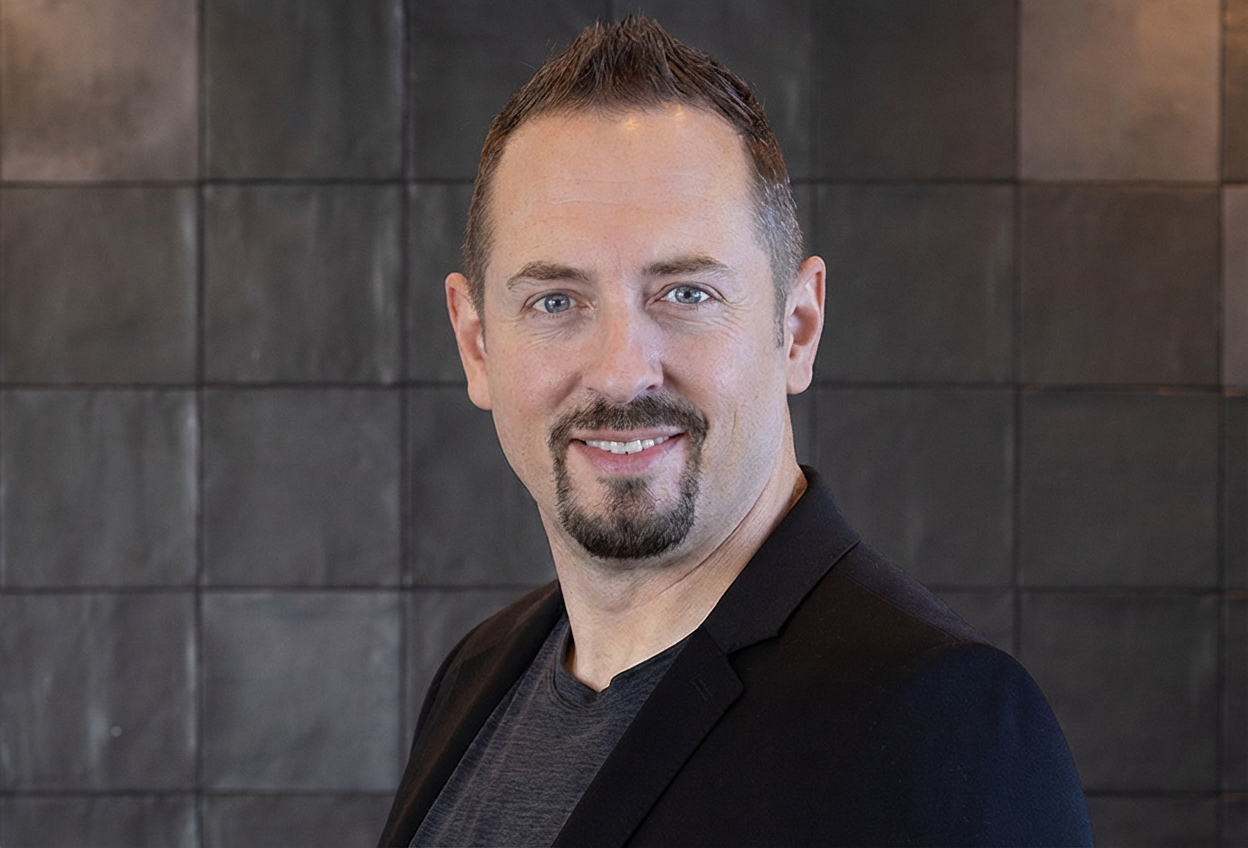
DJ Van Zanten
AI Specialist, Lithium Marketing
"I'll map out a practical plan to integrate AI into your business. You'll leave with clear, actionable steps, whether you hire us or not."
Ready to Put AI to Work in Riverside?
Talk with DJ about the calls, forms, scheduling steps, and internal updates that slow your team down. You will leave with a practical view of where AI consulting belongs, what should stay human, and what the first build should be. The call is meant to identify the first useful workflow, not sell a giant system before the problem is clear.
What we'll cover in your call:
No contracts. No pressure. Just a clear conversation about where AI would actually help.