
AI Automation for
Centennial Service Businesses
Centennial is one of the newer cities in Colorado but it is loaded with established businesses, Denver Tech Center offices, financial and professional services, medical practices along Arapahoe Road, and home services working the big south metro subdivisions. In that kind of call-driven market, the costliest problem is often not demand. It is the lag between interest and response. Lithium provides AI automation services that answer calls, qualify leads, route requests, and keep follow-up moving before a warm opportunity turns into somebody else’s appointment.
Call Automation
24/7 AI Receptionist for Centennial Teams
Give callers a trained AI receptionist that knows your services, schedule, intake questions, and service area. It can handle simultaneous Centennial calls, qualify urgency, book appointments, send SMS confirmations, and leave your team with a clean record of what happened. That record can include caller intent, contact details, preferred timing, and the reason the lead should or should not be escalated.
Fully Managed AI Receptionist
vs. $3,500+/mo for a human receptionist
No contracts. Cancel anytime.
AI Automation Services
AI Workflow Automation
Built for Centennial Operations
Most Centennial teams do not need a giant AI overhaul. They need custom AI agents for the work that keeps repeating: DTC offices missing inbound during meetings, service techs booked solid, follow-up piling up. We start there, connect the right tools, and tune the process around real buyer behavior. That keeps the project grounded in measurable behavior: faster response, better records, cleaner routing, and fewer tasks handled from memory.
Real Projects We've Built
Common Use Cases
How Centennial Businesses Use AI Automation
For Centennial businesses, AI works best when it handles a specific operational handoff. Sometimes that is when staff are in the field and the phone still needs an answer; other times it is the quiet work of workflow automation, records, reminders, and routing. Each use case below is meant to protect response time without hiding the human judgment that still belongs to the team.
AI Receptionist
Capture late calls from homeowners, patients, or B2B buyers while your staff is offline. The AI receptionist asks intake questions, records the need, and sends the lead to the right inbox or phone. It also makes reporting cleaner because the system records what happened at the first touch.
Appointment Booking
Turn qualified conversations into scheduled next steps. Booking logic can account for service type, location, urgency, and the practical constraints of a Centennial workday. This is especially useful when the same question arrives through phone, form, and chat.
Lead Qualification
Separate serious buyers from light research without sounding cold. AI agent development can qualify intent and send the strongest conversations to sales, dispatch, or the front desk. The workflow can be adjusted around business hours, service categories, and staff availability.
CRM Follow-Up
Build a follow-up rhythm for quotes, consultations, and repeat service. Your team gets fewer forgotten threads and more chances to recover work that would have gone quiet. The goal is to make the next human action faster and better informed.
Document Processing
Make paperwork easier to use. The system can summarize submitted details, flag missing information, and help staff avoid rebuilding the same record in multiple tools. It also makes reporting cleaner because the system records what happened at the first touch.
Review Requests
After a job, visit, or consultation, AI can send a timely review request, watch for unhappy responses, and alert your team before a small issue becomes a public problem. It also makes reporting cleaner because the system records what happened at the first touch.
Skeptical? Good.
Call Our Live AI Phone Demo
If you are skeptical, test the phone experience directly. Useful call automation should answer clearly, ask smart questions, and know when to capture information for a person instead of pretending to know everything. A demo call should make the workflow feel concrete, not abstract.
How It Works
How We Build AI Automation for Centennial Workflows
Discovery & Strategy
We look for the revenue leaks before choosing tools, especially missed calls, weak qualification, manual reminders, and unclear routing. Each decision is tied back to how the team will use the system after launch.
Custom Build & Integration
We build the phone, chat, or workflow automation around your actual rules, then connect calendars, CRM fields, forms, and notifications. That gives the build a narrow, testable purpose from the start.
Launch, Optimize & Support
After launch, we review calls, messages, bookings, and edge cases so the AI gets sharper as real customers use it. That gives the build a narrow, testable purpose from the start.
AI Automation
Centennial AI Automation FAQ
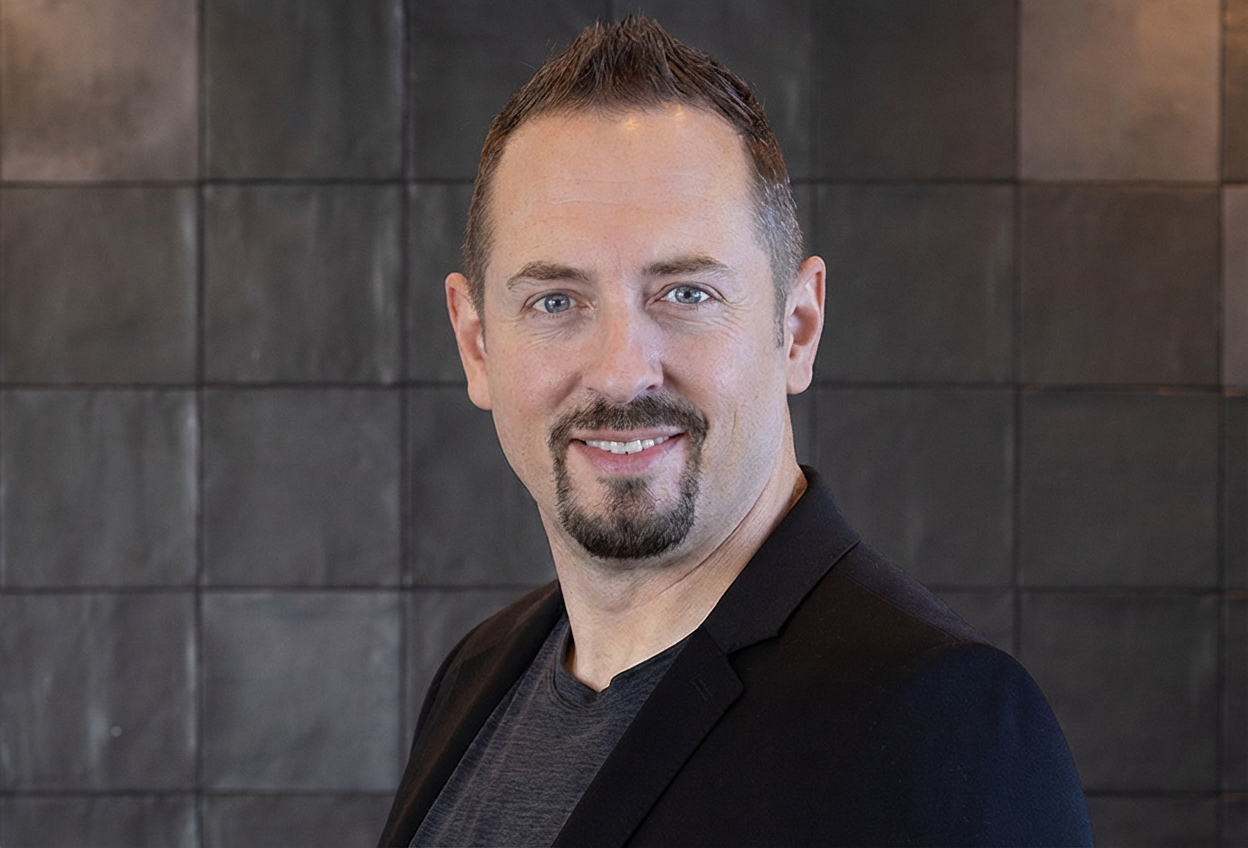
DJ Van Zanten
AI Specialist, Lithium Marketing
"I'll map out a practical plan to integrate AI into your business. You'll leave with clear, actionable steps, whether you hire us or not."
Ready to Put AI to Work in Centennial?
Schedule a free strategy call with DJ. He will look at how your Centennial team handles calls, forms, bookings, follow-up, and customer questions, then outline where AI automation can remove friction without forcing a complicated rebuild. Bring the messy workflow. That is usually where the opportunity is. You will get a plain recommendation about what to build first, what to ignore, and what to measure.
What we'll cover in your call:
No long-term commitment required. Start with the part of the workflow that needs help first.