
AI receptionist for Layton
An AI receptionist for Layton businesses that handles call overlap.
Layton service businesses get an AI receptionist for overlapping calls, with booking and transfer rules designed around your staff’s availability.
- Concurrent callers can be answered
- Appointments follow approved rules
- Recordings available for review
Calls start with a search
Searches for local trades in Layton each month
680
searches a month
- plumber layton320
- pest control layton110
- garage door repair layton90
- landscaping layton90
- electrician layton50
- hvac repair layton10
Source: Google Ads keyword data, average monthly U.S. searches. "Under 10" = below Google’s reporting floor.
 Google PartnerView our Partners listing
5.0on Google · read our reviews
Google PartnerView our Partners listing
5.0on Google · read our reviews
Businesses
we’ve worked with
Businesses we’ve worked with
- Willard Power Vac
- Sarkinen Plumbing
- Robinson Restoration
- Town & Country Glass
- Dixie Glass
- Byers Septic Service
- F&W Fence Co.
- Drake’s 7 Dees
- Rickabaugh Construction
- Hillsview Building
- Dozer Dave
- Mt. Hood Pro Painting
- On-Target Landscape
- Atiyeh Bros Carpet
- Lovett
- Westmore Construction
- Northwest New Homes
- Porter Sealcoating & Paving
- RescueHero Restoration
- Panda Plumbing
- Biermann Plumbing & Heating
- Ballistic Junk Removal
- Smart Doors LLC
- Peak Performance Roofing
- Deluxe Heating & Cooling
- Lifetime Exteriors
- Bruce Johnson Construction
- Madrone Painting
- Smart Tree Service
- Premier Gutter Cover
- NW Pacific Electric
- Universal HVAC
- Lenny Martin Painting
- Next Level Decks & Exteriors
- Prodan Construction
- Smooth Rollin’ Sealcoating and Paving
- Lovett Restoration
- Greenlight Titles
- G.W. Hartley IV
- Advanced Coatings
- Thomson Equipment
- MyADU
The service
AI reception for simultaneous Layton service calls
Lithium Marketing manages an AI receptionist that answers overlapping calls for Layton service businesses. A garage door owner can continue a job while the phone captures another customer’s request. Appointment and transfer rules follow the business’s approved capacity, with staff deciding exceptions.
“garage door repair layton” draws 90 monthly searches. That is a useful reason to check the incoming call route. Your own records show whether overlapping calls are a problem worth solving.
Local search
Preserve the conversation after an expensive Layton click
The garage door phrase averages $92.44 per click. A caller arriving from a paid search should have a way to explain the job when the owner is already on another call. The receptionist can gather the request without inventing an available repair slot.
The observed plumbing listings showed 630, 568 and 49 reviews. Calls can come from a listing as well as an ad. Reception rules should work for the customer’s request regardless of how the phone number was found.
| Search | Cost per click |
|---|---|
| garage door repair layton | $92.44 |
| plumber layton | $75.55 |
| landscaping layton | $41.97 |
| pest control layton | $32.44 |
| electrician layton | $22.97 |
Source: Google Ads keyword data, average monthly U.S. searches. "Under 10" = below Google’s reporting floor.
- Map Pack
- The first thing on the page
- Search ads
- None recorded
- Local listing reviews
- 49 to 630 Google reviews each
- Directories in the top 10
- Angi, Facebook, Yelp
- AI Overview
- Not shown
- People also ask
- Shown
Source: one Google results page for “plumber layton”, as Google showed it to a searcher located in Layton. Search ad counts exclude sponsored local listings. Results shift by searcher and day.
The working area
Set call availability for Layton’s working conditions
Layton’s climate includes hot summers and cold winters. A garage door office can prepare its response for service requests in either condition, with accurate appointment limits. A weather-related problem does not give the system authority to override staff availability.
A customer may ask for another person while calls overlap. We confirm who receives transfers and what the caller hears if that recipient is unavailable, so concurrent answering does not create a misleading promise of concurrent technician response.
- residents (2025 estimate)
- 85,308
- residents (2025 estimate)
- population change, 2020 to 2025
- +4.3%
- population change, 2020 to 2025
- housing units
- 29,155
- housing units
- of occupied homes owner-occupied
- 72.5%
- of occupied homes owner-occupied
- of homes built before 1980
- 25.6%
- of homes built before 1980
- median home value
- $477,700
- median home value
Sources: U.S. Census Bureau 2025 population estimates, ACS 2020–2024 and 2023 County Business Patterns.
The trade mix
Separate simultaneous reception from crew capacity
Davis County has 99 electrical establishments. An electrical office may accept overlapping calls but keep specialist assessment with one responsible person. The phone can collect the request while respecting that role.
The county lists 24 roofing establishments. Project calls can need a longer estimator follow-up than repair calls. We configure the request and continuation from your business information rather than assume the phone’s capacity is the crew’s capacity.
County Business Patterns
Trade and home service businesses in Davis County
Establishments by industry, 2023
- Plumbing, heating and air-conditioning contractors157
- New home builders132
- Residential remodelers126
- Landscaping services116
- Electrical contractors99
- Excavation and site preparation contractors46
- Painting contractors44
- Roofing contractors24
Source: U.S. Census Bureau, 2023 County Business Patterns (NAICS establishment counts).
The work ahead
Test overlapping Layton calls with realistic staff limits
We check what each caller receives when the owner cannot speak to both.
Identify the busy phone moments
You describe the calls that overlap and the requests staff needs recorded.
Approve booking capacity
Appointments follow the calendar and rules you approve, while exceptions remain with a person.
Try a transfer during another call
We test the unavailable-recipient response and verify that the caller gets an accurate next step.
Review both conversations
Your team uses recordings and transcripts to check whether separate requests retained their useful context.
What the AI receptionist does on every call
The same eight parts go into every AI receptionist setup, wherever the business is.
- Answers every call, 24/7
- Qualifies the lead
- Books the appointment
- Answers common questions
- Sends follow-up texts
- Captures every detail
- Transfers to a real person when needed
- Connects to your CRM and calendar
Working phone systems
Two phone systems with different business responsibilities
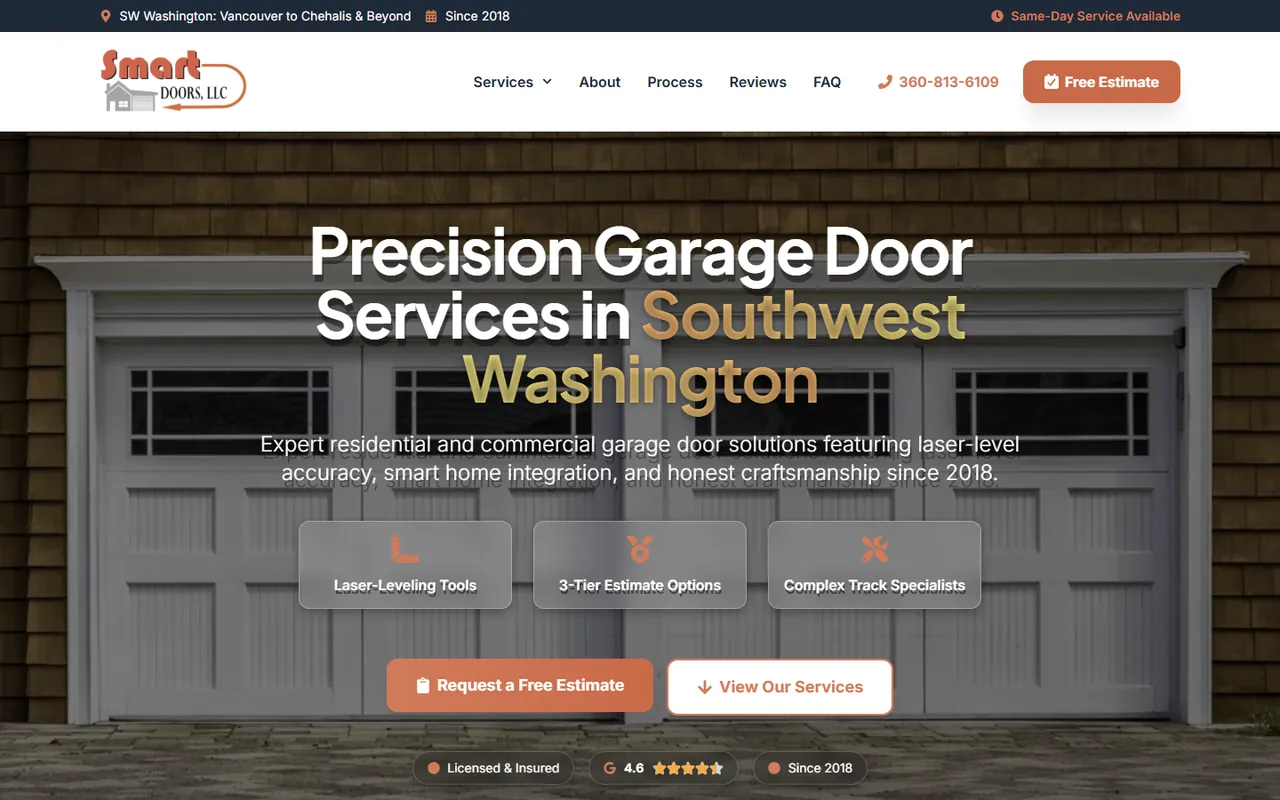
The managed receptionist on Smart Doors LLC’s garage door phones illustrates the standard reception offer. Lithium also built the separate custom plumbing phone system shown here to handle after-hours triage and on-call routing.
AI phone project, plumbing company
3x
more leads
Related places
Approve call coverage before adding Utah cities
If callers request work in Ogden, Salt Lake City or another linked city, the receptionist needs an approved coverage answer. West Valley City, West Jordan, Sandy and Orem have related pages below, and Utah’s directory provides the wider list.
Published price
The cost of AI reception for Layton
$179
per month, fully managed
No contract and no setup fee, so you can cancel anytime. The voice, knowledge base, call rules and calendar and CRM hooks are all set up by Lithium. Custom AI automation is scoped after a free discovery call.
FAQ
Layton: questions before choosing AI reception

Still curious?
Call (503) 766-5964 or email [email protected].
Can the receptionist answer while another caller is on the line?
Yes. It supports unlimited concurrent calls. That phone capacity does not mean your staff or technicians can attend every request immediately, so the setup uses your approved appointment and transfer rules.
What if two callers ask for the same technician?
Each request follows your approved transfer or callback process. We test what happens when the recipient is unavailable and make that response clear. The receptionist should not promise that the technician can speak to both people immediately.
Can it offer appointments outside our approved capacity?
It should follow the appointment rules you approve. We confirm those rules before setup and test requests that require an exception. A staff member keeps responsibility for decisions the receptionist is not authorized to make.
Will it reschedule a customer’s current appointment by itself?
No. The standard receptionist captures the request or transfers it to staff. Automatic changes to existing appointments require a separately assessed custom workflow and explicit business rules.
How will we know whether overlapping calls were useful?
Staff can review the call recordings and transcripts, then compare the captured requests with the work accepted. That gives practical evidence beyond the total calls answered. We adjust missing intake details with your team.
Free action plan
Get a Layton AI reception plan for overlapping calls
Describe what happens when another call arrives while your staff is busy. A co-founder will use a short video call to help define the appointment, transfer and unavailable-recipient rules.
What we’ll cover
- What’s working (and what isn’t) in your current marketing
- Site and funnel gaps that are costing you leads
- Local SEO and paid traffic opportunities
- Simple tracking and KPIs to measure success
2000 NE 42nd Ave Ste D Unit 2370, Portland, OR 97213
Prefer to pick a time? Book a 30-minute call with DJ