
AI Automation for
Kirkland Service Businesses
Kirkland is a waterfront Eastside city with a strong mix of professional services, boutique retailers, and an increasingly dense tech presence, creative agencies downtown, wealth advisors and law firms near the lake, high-end home services teams covering Juanita and Rose Hill, plus the usual medical and dental. That creates a practical AI opportunity: answer sooner, ask better intake questions, and keep the next step moving. Lithium provides AI automation services that answer calls, qualify leads, route requests, and keep follow-up moving before a warm opportunity turns into somebody else’s appointment.
AI Receptionist
AI Call Automation for Kirkland Teams
A well-trained AI receptionist gives Kirkland callers a useful first response without making your staff chase every ring. It can collect contact details, understand intent, route urgent work, and keep appointments or callbacks from falling through the cracks. The handoff can be as simple as an email summary or as structured as a CRM update, calendar action, and SMS alert.
Fully Managed AI Receptionist
vs. $3,500+/mo for a human receptionist
No contracts. Cancel anytime.
AI Automation Services
AI Consulting & Automation
Built for Kirkland Operations
Most Kirkland teams do not need a giant AI overhaul. They need custom AI agents for the work that keeps repeating: after-hours inquiries, unclear routing, quote follow-up, and intake details trapped in notes. We start there, connect the right tools, and tune the process around real buyer behavior. For Kirkland, the useful question is not whether AI sounds impressive. It is whether the automation removes a specific delay your staff already feels every week.
Real Projects We've Built
Common Use Cases
How Kirkland Businesses Use AI Automation
For Kirkland businesses, AI works best when it handles a specific operational handoff. Sometimes that is when a caller is comparing providers from a phone; other times it is the quiet work of workflow automation, records, reminders, and routing. The handoff should be clear enough that a business owner can picture where the automation would live.
AI Receptionist
Capture late calls from homeowners, patients, or B2B buyers while your staff is offline. The AI receptionist asks intake questions, records the need, and sends the lead to the right inbox or phone. This is especially useful when the same question arrives through phone, form, and chat.
Appointment Booking
Turn qualified conversations into scheduled next steps. Booking logic can account for service type, location, urgency, and the practical constraints of a Kirkland workday. It also makes reporting cleaner because the system records what happened at the first touch.
Lead Qualification
Separate serious buyers from light research without sounding cold. AI agent development can qualify intent and send the strongest conversations to sales, dispatch, or the front desk. Your team can review the transcript or summary before deciding how to respond.
CRM Follow-Up
Send texts and emails after missed calls, estimates, no-shows, and open proposals. CRM automation keeps polite pressure on the opportunity without relying on someone to remember every follow-up. This is especially useful when the same question arrives through phone, form, and chat.
Document Processing
Make paperwork easier to use. The system can summarize submitted details, flag missing information, and help staff avoid rebuilding the same record in multiple tools. The goal is to make the next human action faster and better informed.
Review Requests
After a job, visit, or consultation, AI can send a timely review request, watch for unhappy responses, and alert your team before a small issue becomes a public problem. That gives the customer a quicker answer without removing your control of the relationship.
Skeptical? Good.
Call Our Live AI Phone Demo
If you are skeptical, test the phone experience directly. Useful call automation should answer clearly, ask smart questions, and know when to capture information for a person instead of pretending to know everything. A demo call should make the workflow feel concrete, not abstract.
How It Works
AI Consulting Process for Kirkland Workflows
Discovery & Strategy
We start with AI consulting, not tool shopping. We review call flow, lead sources, intake forms, calendars, and the moments where Kirkland opportunities slow down or go unanswered. Each decision is tied back to how the team will use the system after launch.
Custom Build & Integration
We train custom AI agents on your services, policies, service area, and handoff rules, then connect them to the tools your team already uses. The goal is to improve one real handoff before adding more complexity.
Launch, Optimize & Support
Once live, we monitor real conversations, tune weak spots, and adjust the workflow as your team sees what customers actually ask. The goal is to improve one real handoff before adding more complexity.
AI Automation
Kirkland AI Automation FAQ
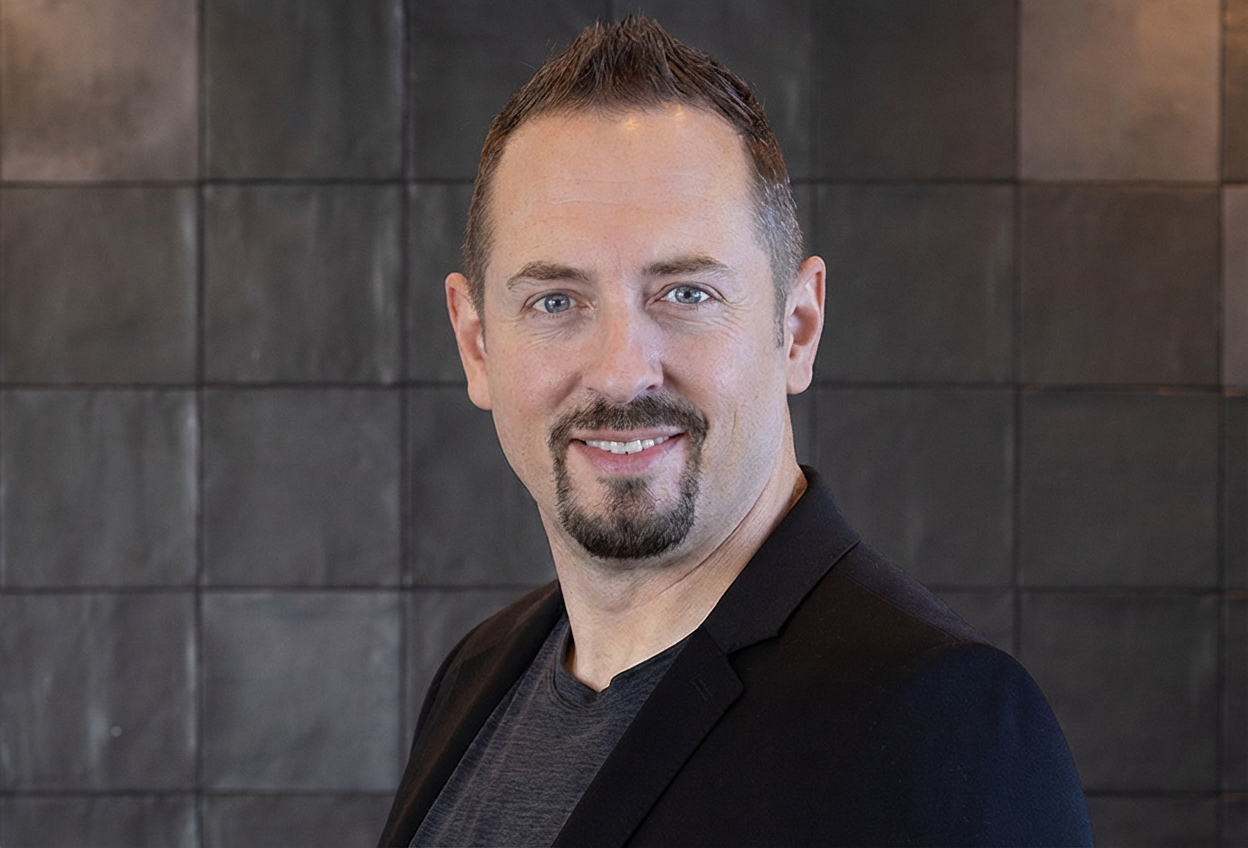
DJ Van Zanten
AI Specialist, Lithium Marketing
"I'll map out a practical plan to integrate AI into your business. You'll leave with clear, actionable steps, whether you hire us or not."
Ready to Put AI to Work in Kirkland?
Schedule a free strategy call with DJ. He will look at how your Kirkland team handles calls, forms, bookings, follow-up, and customer questions, then outline where AI automation can remove friction without forcing a complicated rebuild. Bring the messy workflow. That is usually where the opportunity is. For Kirkland businesses, the best first AI project is usually the one tied to a recurring revenue leak.
What we'll cover in your call:
No contracts. No pressure. Just a clear conversation about where AI would actually help.