
AI-Powered Business Solutions

AI Automation for
Kennewick Service Businesses

Kennewick is the retail and commercial anchor of the Tri-Cities, auto dealerships and trades along Clearwater, medical and dental clinics in Southridge, home services contractors running all over Benton County, restaurants and professional offices through downtown. The fastest win is usually found where phones, forms, calendars, and follow-up are handled by memory instead of a system. Lithium provides AI automation services that answer calls, qualify leads, route requests, and keep follow-up moving before a warm opportunity turns into somebody else’s appointment.

Lithium AI Receptionist LIVE
AI Agent
"Thanks for calling! I'd love to help schedule that. I have Thursday at 2 PM or Friday morning. Which works better?"
Caller
"Thursday at 2 works great!"
AI Agent
"You're all set! I'll text you a confirmation. Anything else I can help with?"
✓ Lead Qualified ✓ Booked ✉ SMS Sent
$126Klost/year to missed calls
62%of missed callers call a competitor
80%of voicemails never returned
5 minbefore leads go cold

AI Receptionist

24/7 AI Receptionist for Kennewick Teams

AI Receptionist
From $179/mo - ready to go

Voice AI agents can answer common questions, collect the details your team actually needs, and move qualified callers toward a booking or callback. For Kennewick teams, that means fewer voicemails and less guessing when staff return to the inbox. That record can include caller intent, contact details, preferred timing, and the reason the lead should or should not be escalated.

AI receptionist
Kennewick knowledge base
SMS follow-up
CRM automation
Calendar sync
Call summaries and transcripts

Fully Managed AI Receptionist

$179 /mo

vs. $3,500+/mo for a human receptionist

24/7
Coverage
Calls
0
Sick Days
Get Started Today

No contracts. Cancel anytime.

AI Automation Services

Custom AI Agents
Built for Kennewick Operations

Kennewick workflows are rarely broken in one dramatic place. The pressure usually shows up as after-hours inquiries, unclear routing, quote follow-up, and intake details trapped in notes. Our AI consulting maps those friction points first, then builds workflow automation, website chat, CRM automation, and reporting that fit the tools your team already uses. That keeps the project grounded in measurable behavior: faster response, better records, cleaner routing, and fewer tasks handled from memory.

Workflow Automation
Business Process Automation
AI Chatbot Development
CRM Automation

Real Projects We've Built

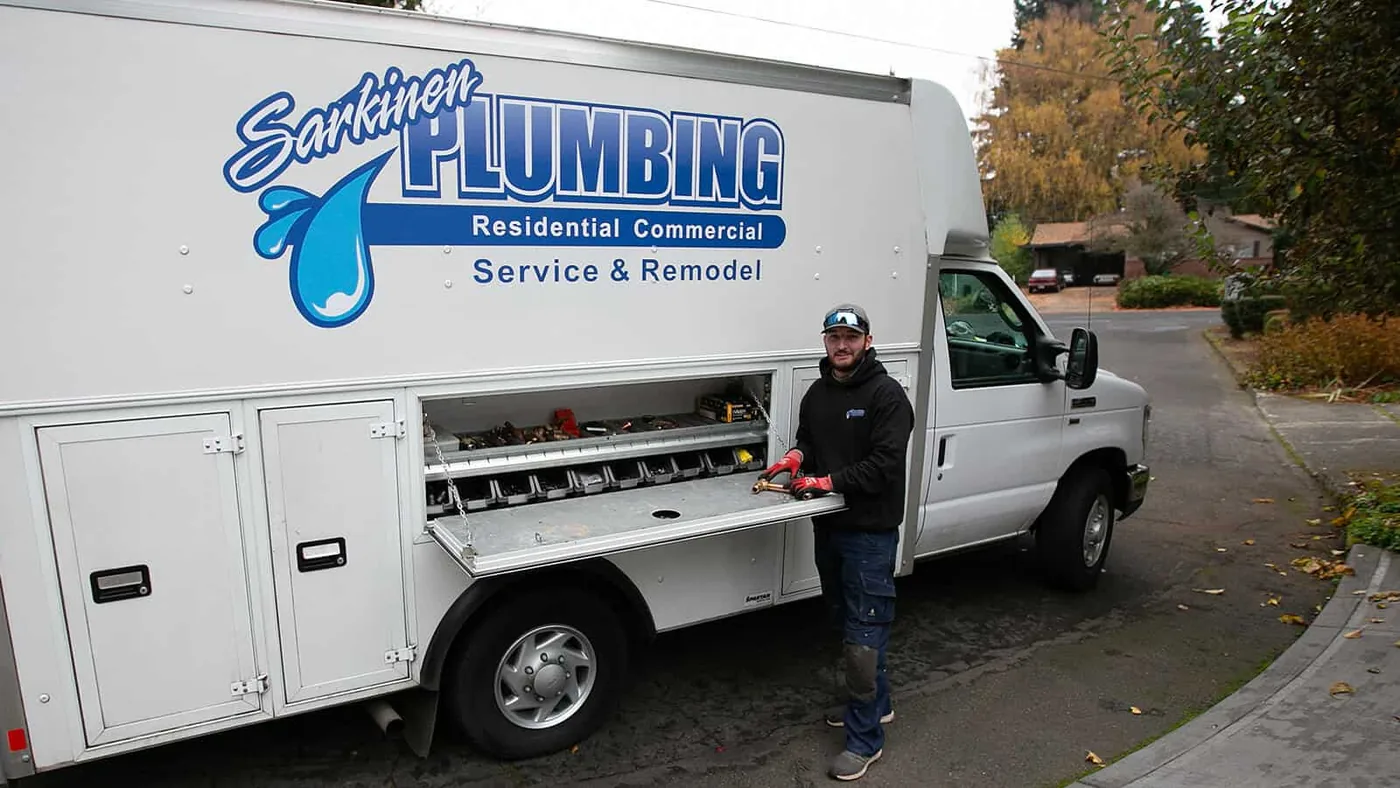
Service Contractor
Urgent Lead Routing
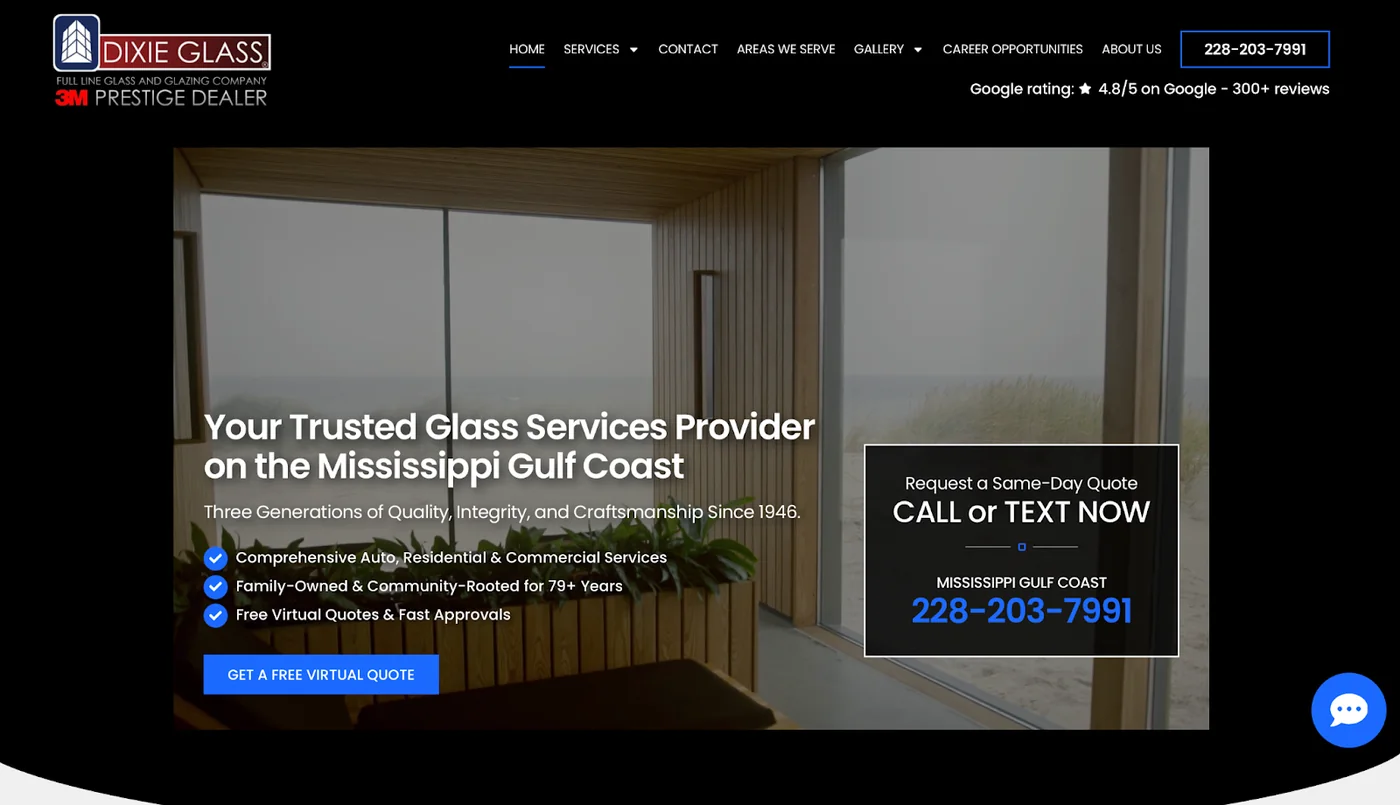
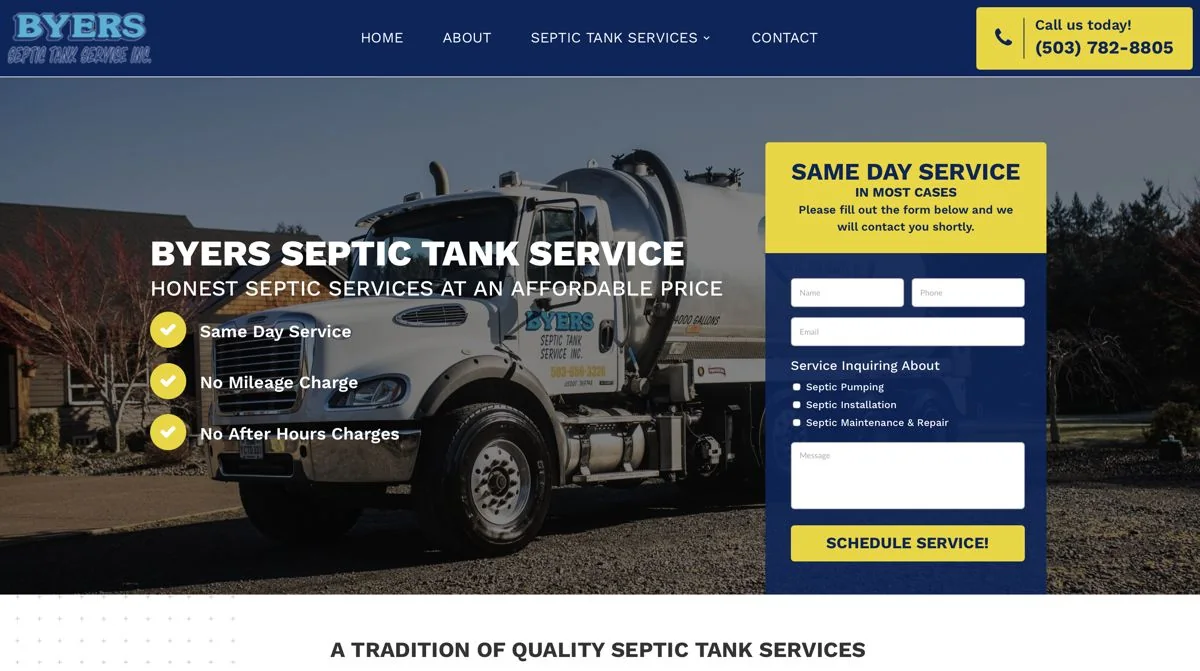
Problem: The team was losing good inquiries when crews were away from the desk. We built voice AI agents that gather location, service type, timeline, and contact details, then route urgent calls differently from routine requests. The result is a faster first response and a clearer handoff for the person who owns the next step.
3x
more leads
Medical and Professional Offices
Consultation Qualification
Problem: Staff spent too much time sorting vague inquiries. We built custom AI agents that ask about need, timing, budget, and fit before sending strong Kennewick leads to the right calendar. It also helps preserve tone, because every prospect gets a clear response before a person steps in.
52%
conversion
B2B Service Provider
Data-Driven Lead Building
Problem: Broad campaigns were too wasteful for a niche offer. We built a filtered prospect workflow, grouped leads by fit signals, and used intelligent automation so the sales team could focus on better conversations. It also gives leadership a clearer view of which segments are worth pursuing next.
16K+
targets

Common Use Cases

How Kennewick Businesses Use AI Automation

For Kennewick businesses, AI works best when it handles a specific operational handoff. That might be when an estimate request arrives after the office closes, or it might be the quiet work of workflow automation, records, reminders, and routing. The handoff should be clear enough that a business owner can picture where the automation would live.

AI Receptionist

Keep the first conversation alive after hours, during jobs, or while staff are helping other customers. Call automation captures enough detail for a real follow-up instead of a cold callback. Your team can review the transcript or summary before deciding how to respond.

Appointment Booking

Let callers book from available slots instead of waiting for a callback. This appointment workflow automation helps clinics, consultants, trades, and service crews protect busy calendars without adding more back-and-forth. Your team can review the transcript or summary before deciding how to respond.

Lead Qualification

Ask the questions your team needs answered first. Budget, timing, location, service fit, and urgency can be captured before a person spends time chasing the lead. It also makes reporting cleaner because the system records what happened at the first touch.

CRM Follow-Up

Send texts and emails after missed calls, estimates, no-shows, and open proposals. CRM automation keeps polite pressure on the opportunity without relying on someone to remember every follow-up. This is especially useful when the same question arrives through phone, form, and chat.

Document Processing

Make paperwork easier to use. The system can summarize submitted details, flag missing information, and help staff avoid rebuilding the same record in multiple tools. That gives the customer a quicker answer without removing your control of the relationship.

Review Requests

Ask for reviews while the experience is still fresh. AI can time the message, personalize the request, and route unhappy feedback back to the business first. Your team can review the transcript or summary before deciding how to respond.

Skeptical? Good.

Call Our Live AI Phone Demo

If you are skeptical, test the phone experience directly. Useful call automation should answer clearly, ask smart questions, and know when to capture information for a person instead of pretending to know everything. A demo call should make the workflow feel concrete, not abstract.

How It Works

AI Consulting Process for Kennewick Workflows

1

Discovery & Strategy

We map the current workflow first: phone calls, forms, calendars, follow-up, tools, and the handoffs that create delay. The goal is to improve one real handoff before adding more complexity.

2

Custom Build & Integration

We configure scripts, knowledge, routing logic, and integrations so the automation supports your team instead of creating another disconnected tool. The goal is to improve one real handoff before adding more complexity.

3

Launch, Optimize & Support

We support the system after launch with script updates, routing changes, and practical improvements based on real use. Each decision is tied back to how the team will use the system after launch.

AI Automation

Kennewick AI Automation FAQ

The strongest fit is a Kennewick business where phone calls, forms, appointments, or follow-up affect revenue. That includes home services and trades, medical and dental practices, law firms, and restaurants. AI is useful when speed and consistency change whether the buyer keeps moving. That keeps the scope practical and protects the customer experience.
The scope can be as focused as an AI receptionist or as custom as a multi-step workflow connecting calls, forms, calendars, CRM updates, and follow-up messages. We start with the operational problem and build from there. That keeps the scope practical and protects the customer experience.
The difference is workflow. The AI can gather context, apply rules, offer next steps, and pass usable information to your team. It should reduce manual sorting, not just replace one voicemail box with another. We also document the handoff rules so staff know exactly what the AI should do.
Integration is part of the planning. We identify where data needs to go, who needs to be notified, and which tools should remain the source of truth before anything goes live. During discovery, we separate what should be automated from what still needs a person.
Timing depends on complexity. We can often launch a focused phone or chat system first, then add deeper Kennewick workflow automation once the first use case is proven. We also document the handoff rules so staff know exactly what the AI should do.
Cost follows complexity. A simple intake workflow is not priced like a multi-system automation with custom routing and reporting. After discovery, we give a direct scope so you know what is included and why it matters. If the workflow changes later, the system can be updated instead of rebuilt from scratch.
The goal is not to trick people. The goal is to answer clearly, gather accurate information, and get the caller to the right next step. We tune the voice, script, and handoff rules around your brand. If the workflow changes later, the system can be updated instead of rebuilt from scratch.
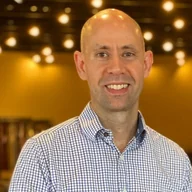
DJ Van Zanten - Lithium AI Specialist

DJ Van Zanten

AI Specialist, Lithium Marketing

"I'll map out a practical plan to integrate AI into your business. You'll leave with clear, actionable steps, whether you hire us or not."

Ready to Put AI to Work in Kennewick?

Talk with DJ about the calls, forms, scheduling steps, and internal updates that slow your team down. You will leave with a practical view of where AI consulting belongs, what should stay human, and what the first build should be. The call is meant to identify the first useful workflow, not sell a giant system before the problem is clear.

What we'll cover in your call:

Which AI receptionist or workflow pieces should come first
A practical launch path with clear next steps
The tools your automation should connect to
What should stay human in the workflow

No long-term commitment required. Start with the part of the workflow that needs help first.

Scroll to Top